
Using Online Index Card Templates Effectively: Your Ultimate Guide

If you’ve ever felt overwhelmed by piles of notes, scattered ideas, or endless to-do lists, you’re not alone. I’ve been there too! That’s why I’m excited to share how using index card templates online can totally change the way you organize your thoughts and boost your productivity. Whether you’re juggling projects, studying for exams, or brainstorming your next big idea, these digital tools can make your life so much easier.
Let’s dive into how you can use online index card templates effectively and get the most out of this simple yet powerful system.
Why Index Card Templates Are a Game-Changer
You might be wondering, “Why bother with index cards when I have apps and notebooks?” Great question! The beauty of index cards lies in their simplicity and flexibility. They let you break down complex information into bite-sized pieces that are easy to manage and rearrange.
Here’s why I love using index card templates:
Visual clarity: Each card holds one idea, making it easier to focus.
Easy organization: You can shuffle, group, or prioritize cards quickly.
Cross-platform access: Many online templates sync across devices.
Customizable layouts: Tailor cards to fit your specific needs.
For example, when I’m preparing for a presentation, I create cards for each key point. This way, I can reorder them until the flow feels just right. Plus, I can add images, links, or checklists to each card, making them more interactive than traditional paper cards.
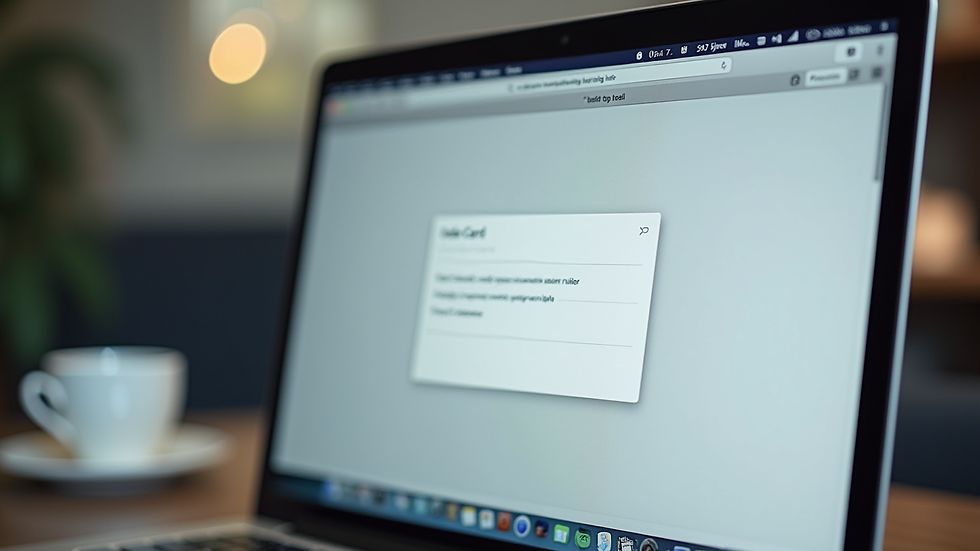
How to Choose the Right Index Card Templates for Your Needs
Not all index card templates are created equal. Picking the right one depends on what you want to achieve. Here are some tips to help you select the perfect template. NoteDex has many built-in templates for you to use some are 'editable' - meaning you can use them with text, others are images for you draw over with your pen. You can also set an existing card to be a template - your own custom editable templates!

If you’re a student, a template with flashcard-style question and answer sections might be perfect. On the other hand, professionals might prefer templates with task lists and priority markers.
If you want to explore a versatile option, try our templates that offers a unique index card-based system designed to streamline your memory and productivity.
Tips for Using NoteDex Online Index Card Templates Like a Pro
Now that you know why and how to pick your templates, let’s talk about how to use them effectively. Here are some practical tips I swear by:
1. Keep It Simple
Don’t overload your cards with too much information. Stick to one idea or fact per card. This makes reviewing and memorizing easier.
2. Use Visuals
Add images, icons, or color codes to your cards. Visual cues help your brain remember information better.
3. Organize with Tags or Categories
NoteDex lets you tag or categorize cards. Use this to group related ideas or prioritize tasks.
4. Shuffle and Review Regularly
Mix up your cards to test your knowledge or rethink your project flow. Regular review keeps information fresh.
5. Collaborate When Possible
If you’re working with others, share your cards. Getting feedback or adding ideas collectively can spark creativity.
6. Experiment with Layouts
Try different card sizes, fonts, or orientations. Find what feels comfortable and motivates you to keep using the system.
By following these tips, you’ll turn your index card templates into a powerful tool for learning, planning, and creating.
Real-Life Examples of Index Card Templates in Action
Let me share a few ways I’ve seen professionals and students use index card templates to their advantage:
Researchers: Break down complex studies into key points, hypotheses, and results on separate cards. This makes writing papers or preparing presentations smoother.
Students: Create flashcards for vocabulary, formulas, or historical dates. The ability to shuffle and test yourself is a huge plus.
Project Managers: Use cards to outline tasks, deadlines, and responsibilities. Moving cards around helps visualize project progress. Use Kanban template.
Writers: Plot stories by creating character cards, scene summaries, and plot twists. Rearranging cards helps with story flow.
Visual Thinkers: Combine text and images on cards to map out ideas or concepts visually.
Entrepreneur Founders: Use the business model canvas templates to brainstorm new business ideas.
These examples show how flexible and adaptable index card templates can be. You can tailor them to fit your unique workflow and style.

Making the Most of Your Digital Index Cards Every Day
To wrap things up, here’s how you can integrate online index card templates into your daily routine:
Start your day by reviewing your cards to set priorities.
Use cards to jot down quick ideas or reminders on the go.
Schedule regular sessions to update and reorganize your cards.
Combine cards with other productivity tools like calendars or task managers.
Celebrate small wins by marking completed cards or projects.
Remember, the goal is to make your information easy to access, understand, and use. With a little practice, you’ll find that index card templates become your secret weapon for staying organized and productive.
Give it a try today and see how much smoother your workflow can be!
Using NoteDex online index card templates is a smart, flexible way to organize your thoughts and tasks. Whether you’re tackling a big project or just trying to keep track of daily to-dos, these digital cards can help you stay on top of everything with less stress and more clarity. So why wait? Start creating your own set of cards and watch your productivity soar!
Learn more about how to use Templates in NoteDex, including how to set an existing card to be a reusable card template - Cards Tutorial


